How to review RAW photos on Android in the field
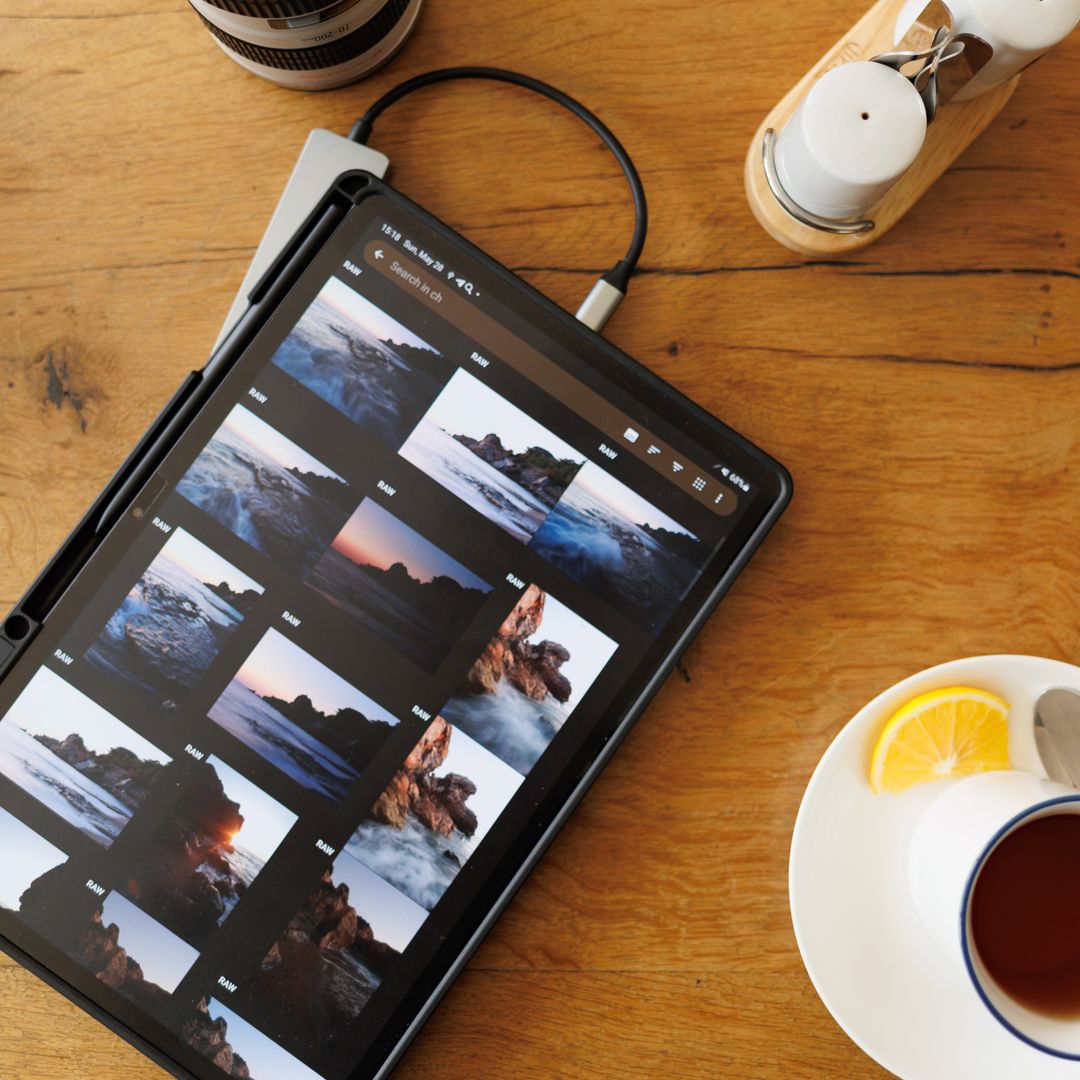
After a day with a camera, the question is usually simple: which frames are worth bringing home to the editor? An Android tablet and a card reader are enough for a first pass. Here is a small workflow you can try with a single shoot before taking it on the road.
Start with a handful of frames
Pick a short sequence from your camera: a subject standing still, a moving subject, and a burst where the expression changes. Leave the originals on the card. Connect the reader to your Android device and check that the card appears in the system file picker. If it does, copy the test sequence into a folder on the device. This gives you a working copy and lets you unplug the reader while reviewing.
Make two passes
Open the copied folder in GalleryRAW. On the first pass, look at framing, timing and expression. For a burst of a bird taking off, for instance, pick the two frames with the clearest wing position. Zooming into every frame at this stage slows the decision down.
On the second pass, compare the details that matter for the shot. In a portrait, look at the near eye; for a landscape, inspect the part you expect to crop. A soft-looking preview alone is a poor reason to delete an original. Keep borderline frames for a second look on your usual editing screen.
Share a JPEG, keep the RAW
Export a JPEG of a keeper if you want to send it from the field. Open the exported file once to check the result. Keep the camera file for later editing, and keep the card intact until you have checked your backup. A folder of JPEG selects is handy for sharing; the originals are what let you revisit a decision tomorrow.